
Remove Waypoint from Route Command
The Remove Waypoint from Route command removes the selected waypoint from the route.
You can use the Remove Waypoint from Route command in one of three ways:
Removing selected route waypoints on the map
To remove waypoints from a route on the map, do the following:
- View a map.
- Select one or more waypoints which are used in a route.
- Then, do one of the following:
- On the , click .
- Right-click on the selected waypoints, and click .
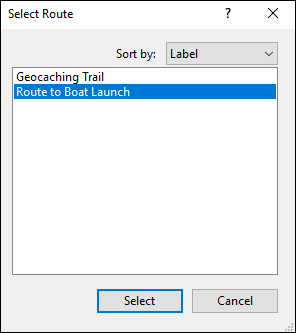
Unless all of the waypoints are used in the same route, the Select Route dialog will appear. Select the route from which the waypoints will be removed.
Removing selected waypoints from the Waypoint List
To remove waypoints in the Waypoint List from a route, do the following:
- View the Waypoint List.
- Select one or more waypoints that are used in a route.
- Then, do one of the following:
- On the , click .
- Right-click on the selected waypoints, and click .
Unless all of the waypoints are used in the same route, the Select Route dialog will appear. Select the route from which the waypoints will be removed.
Removing selected waypoints from a route's Route Waypoint List
To remove waypoints from a route's Route Waypoint List, do the following:
- View a route's Route Waypoint List.
- Select one or more waypoints.
- Then, do one of the following:
- On the , click .
- Right-click on the selected route waypoints, and click .
- Press Delete.
The selected route waypoints will be removed from the route.



© 1998-2024 TopoGrafix – 24 Kirkland Dr, Stow, MA – Email: support@expertgps.com