
Export Shapes Command
The Export Shapes command allows you to share the shapes in the Shape List with users of other GPS and mapping software.
To export all of the shapes in the file, do the following:
- View the Shape List
- Then, do one of the following:
- On the , click .
- Press Ctrl+E.
To export only the selected shapes, do the following:
- Select one or more shapes.
- Right-click on the selected shapes and click .
The Export Shapes dialog will appear.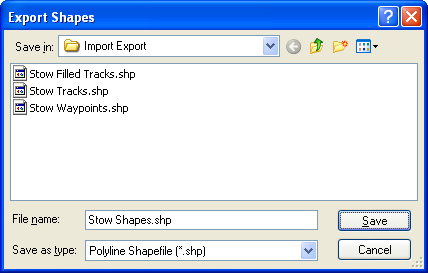
Select the type of file to export in the Save as Type list.
Select the type of file you want to export:
Polyline Shapefile (.shp)
ExpertGPS will export the shapes to a polyline (linear) shapefile. The coordinate format in ExpertGPS is used to project the data. If the coordinate format is UTM, all data will be projected to the UTM zone containing the Active Point. ExpertGPS creates a database file (.dbf) containing shape attributes.
Polyline Shapefile Attributes:
- Label
- Notes (Description)
- Type
Polygon Shapefile (.shp)
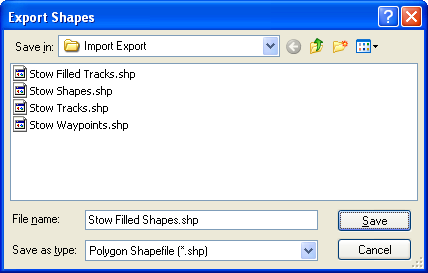
ExpertGPS will export the shapes to a polygon (filled) shapefile. The coordinate format in ExpertGPS is used to project the data. If the coordinate format is UTM, all data will be projected to the UTM zone containing the Active Point. ExpertGPS creates a database file (.dbf) containing shape attributes.
Polygon Shapefile Attributes:
- Label
- Notes (Description)
- Type



© 1998-2024 TopoGrafix – 24 Kirkland Dr, Stow, MA – Email: support@expertgps.com