
Export Profile Image Command
Use the Export Profile Image command to create an elevation profile image that you can post on your Web site, or use in a presentation.
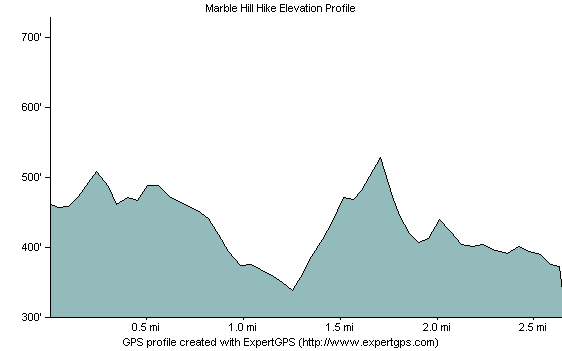
To create an image of the elevation profile, do the following:
- View an elevation profile.
-
Click the
 Export Image button.
The Export Profile Image dialog will appear, allowing you to customize how the image will appear. Click to save the image.
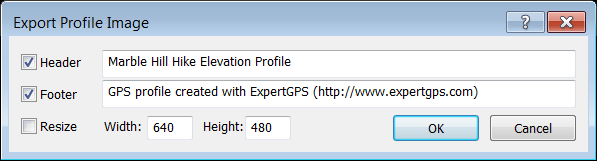
- Header
- To add a title to your image, check Header and enter a title.
- Footer
- To add text below the elevation profile, check Footer and enter the text to display.
- Resize
- To specify the size of the image, select Resize, and enter a width and height. If Resize is not checked, the elevation profile image will be the same size as the elevation profile window in ExpertGPS.
- Width
- Enter the width of the resized image.
- Height
- Enter the height of the resized image.



© 1998-2024 TopoGrafix – 24 Kirkland Dr, Stow, MA – Email: support@expertgps.com