
Export Notes Command
The Export Notes command allows you to share the notes in the Note List with users of other GPS and mapping software. The notes will be converted to waypoints and exported.
To export all of the notes in the file, do the following:
- View the Note List
- Then, do one of the following:
- On the , click .
- Press Ctrl+E.
To export only the selected notes, do the following:
- Select one or more notes.
- Right-click on the selected notes and click .
The Export Notes dialog will appear.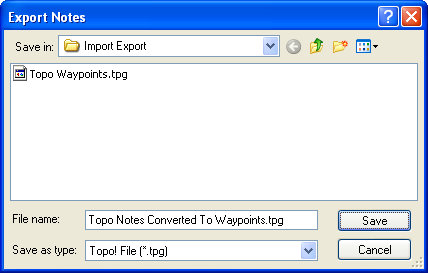
Select the type of file to export in the Save as Type list.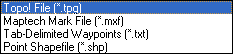
Select the type of file you want to export:
National Geographic Topo! File (.tpg)
National Geographic Topo! uses two file formats. ExpertGPS can export notes (converted to waypoints) in the .tpg format. The Topo! .tpo file format is an undocumented binary format which is not compatible with any other software.
Maptech Note File (.mxf)
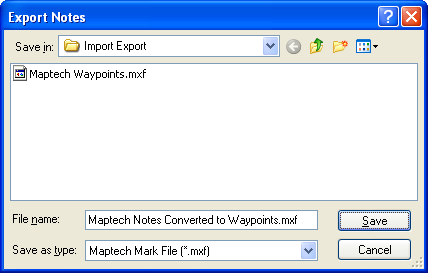
Maptech's Terrain Navigator stores waypoints in .mxf files. See also Exporting Maptech Routes and Exporting Maptech Tracks.
Tab-Delimited Notes (.txt)
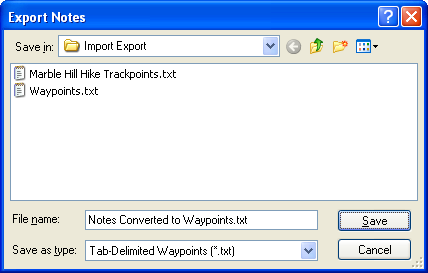
Tab-Delimited Text can be opened in a spreadsheet program like OpenOffice Calc or Microsoft Excel. There are seven columns of data, separated by tabs. There is not a column header row.
Columns:
- Coordinates
- Elevation
- Type
- Label
- Description
- Note
- Comment
Point Shapefile (.shp)
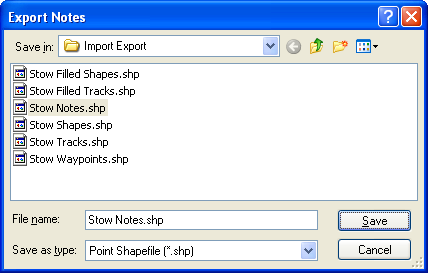
ExpertGPS converts notes to a Point shapefile. The coordinate format in ExpertGPS is used to project the data. If the coordinate format is UTM, all data will be projected to the UTM zone containing the Active Point. ExpertGPS creates a database file (.dbf) containing note attributes.
Point Shapefile Attributes:
- Label
- Notes (Description)
- Type
- Elevation
- Note
- Comment



© 1998-2024 TopoGrafix – 24 Kirkland Dr, Stow, MA – Email: support@expertgps.com