
Show Scanned Map Command
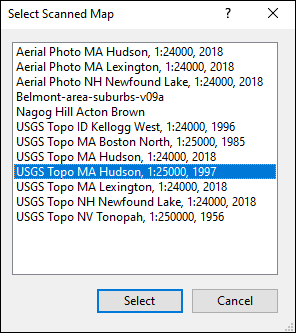
The Show Scanned Map command plots your data on a scanned paper map.
To show your data on a scanned map, do one of the following:
- On the , click .
- Press Ctrl+Shift+S.
- While viewing a map, press P.
- The Select Scanned Map dialog will appear. Select a map from the list, and click .



© 1998-2024 TopoGrafix – 24 Kirkland Dr, Stow, MA – Email: support@expertgps.com